Your AI agent for BIM.Right inside Revit.
Custom plugins used to cost thousands. BimCode brought them to everyone.
An AI agent inside Revit to work with your model, build custom plugins, design families and create AI renderings.
No card requiredInstalls in about two minutes
Reviewed plugins from architects and engineers, ready to install.
BimCode is in public beta — the occasional rough edge is possible, and every one you report helps us fix it faster.
Open Builders
Get Pro free. Share what you build.
20 Revit users a month get Pro free. One condition: every plugin you build is published on the community under your name.
Your next family starts with a brief.
Start with connected MEP equipment. Explore furniture, façades and more.
Describe the family, refine its parameters and apply it in Revit.
Mechanical Equipment
Ducted fan-coil unit
One family. Every service connection.
Example brief
Create a ducted fan-coil unit with supply and return air, hydronic connections, a condensate drain and electrical power.
Explore the six connection points, then change the casing dimensions. The ports move with the equipment.
Flex the dimensions
Equipment cutaway
Galvanized casing · copper coil
Drag to orbit · click to enable zoom · dimensions in millimetres
Interactive illustration · no credits used
Get BimCodeSK-02 · Model Lens — preparing viewer…
Build a new plugin,or customize an existing one.
Watch BimCode build Render Studio from one request, then customize it on request.
Plugins BimCode built,running on real projects.
Real plugins on real models, all made with BimCode. Pick one below.
Not just plugins.BimCode works the model too.
Recorded in Revit, replayed by the real interface. Pick modelling or rendering.
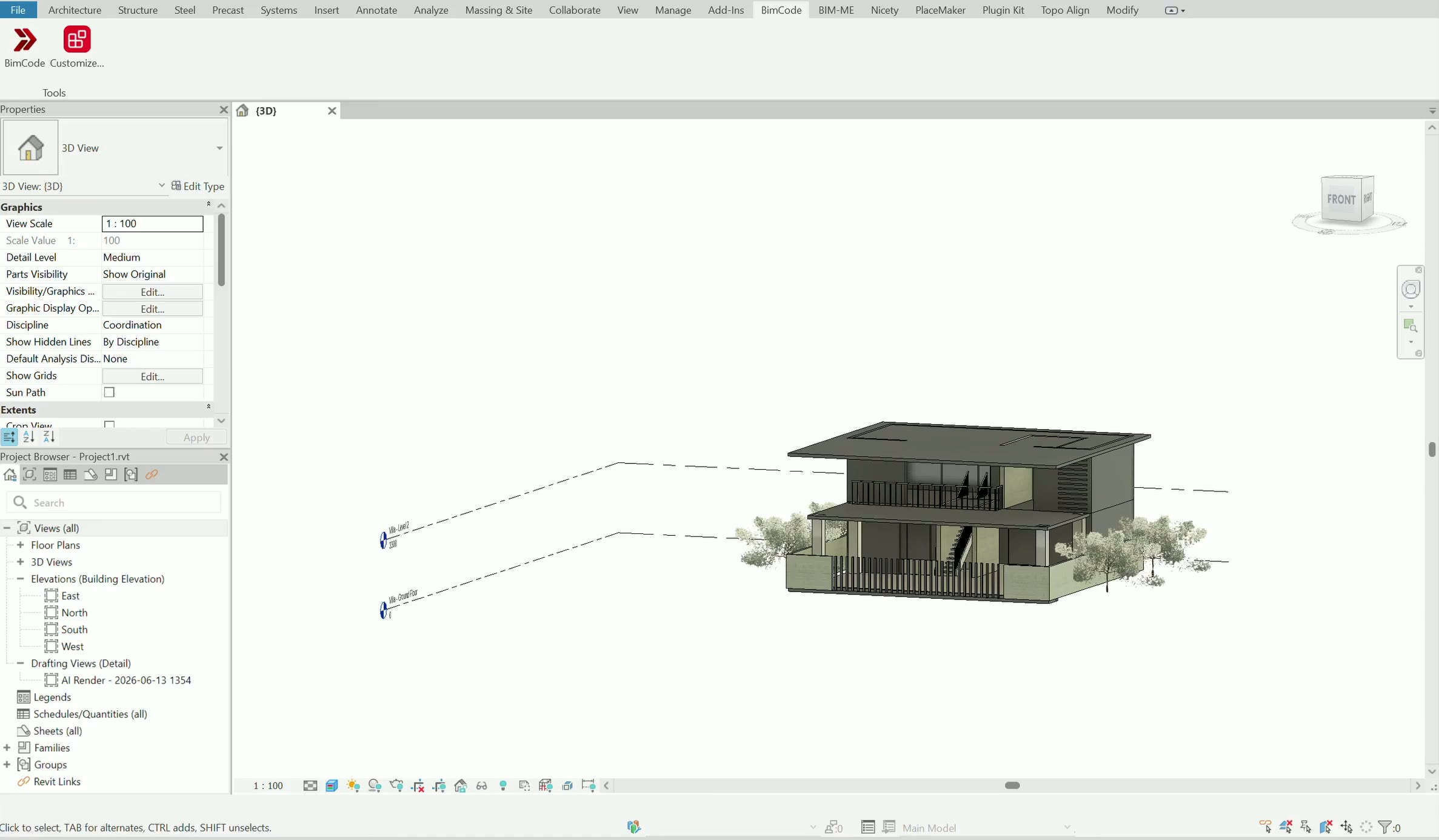
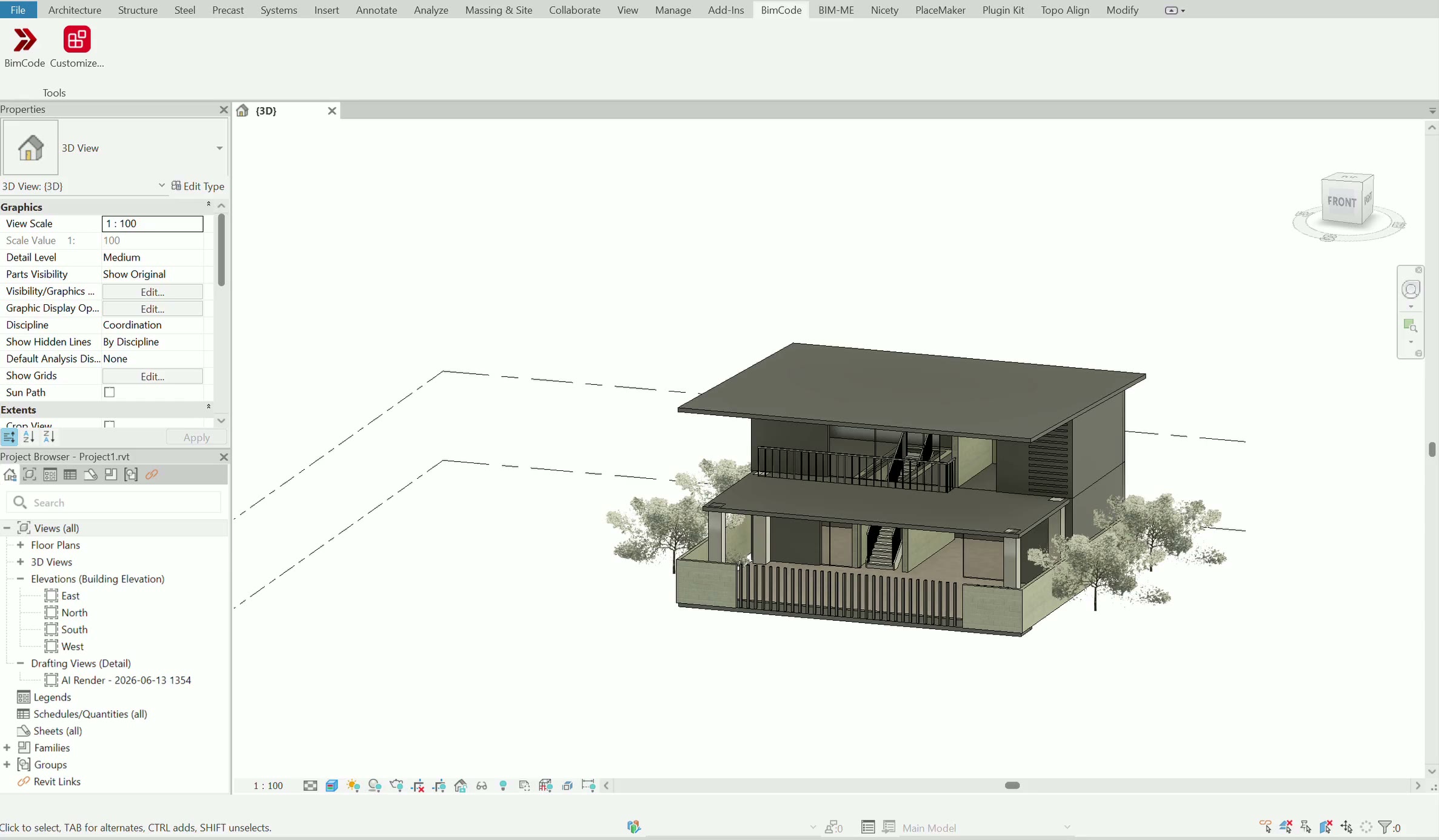
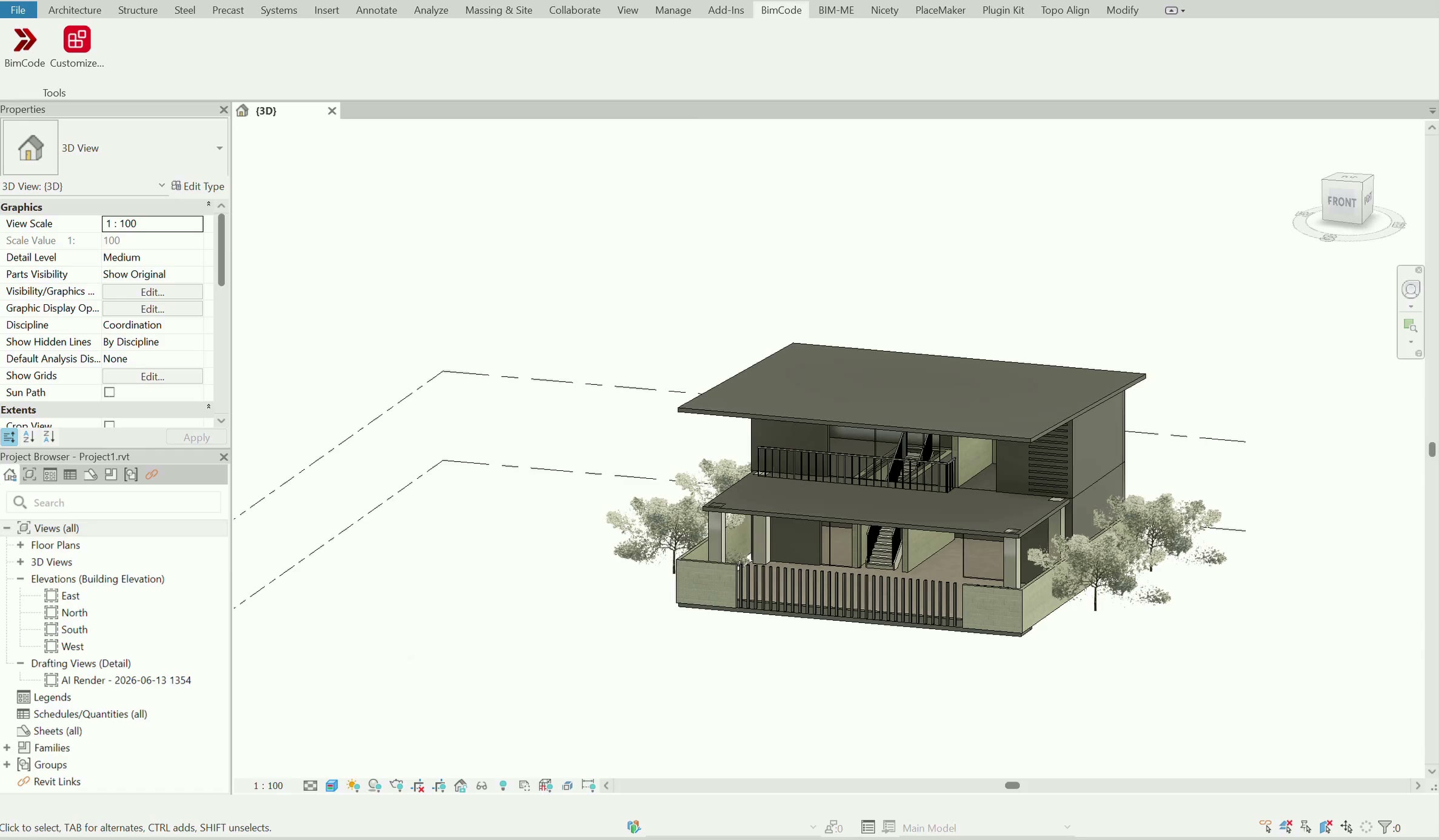
Redlined like a colleague
Three corrections in plain English — clashing stairs, a missing floor opening, a roof falling the wrong way. Each one read, fixed, and checked against the model.
Answers, up front.
Things people ask us before they download. If your question isn't here, email info@bimcode.ai.
What is BimCode?
An AI development agent for BIM. Describe the plugin you need in plain language and BimCode plans it, builds it and installs it on your Revit ribbon. It can also customize a plugin you already have, and work in the model with you — modelling and rendering included.
Which Revit versions does BimCode support?
Autodesk Revit 2025, 2026 and 2027, on Windows 10 or later. One installer adds BimCode to the ribbon in about two minutes, no admin rights needed.
Do I need to know how to code?
No. If you can say what the plugin should do, you can build it. When a request could mean two things, BimCode asks before it builds. Plans that include code access let you open and edit the code if you want to.
Can I customize a plugin I already have?
Yes. Duplicate & edit takes a copy of one of your plugins — or of a plugin BimCode ships, on plans that include it — and rebuilds the copy from one request. The original stays untouched.
Do I own what BimCode builds?
Yes. Everything BimCode makes for you lives on your machine and is yours: keep it, change it, share it inside your practice, or publish it to the community hub, where every listing is reviewed. Try a new plugin on a test model before relying on it in live work.
How does usage work?
Every plan includes a monthly allowance of AI usage that covers building plugins, editing them and chatting with the agent. You can see what you have used at any time. When it is used up, everything you have built keeps working; building resumes on the next cycle, or sooner with an upgrade.
How is my BIM data handled?
Your project files never leave your machine. BimCode sees only the elements, parameters or views you point it at, and only while it works on them. All traffic between BimCode and our servers is encrypted.
Do plugins need an internet connection?
Yes, to open. A plugin runs inside Revit on your own machine, but it checks in as it opens to confirm your subscription — and plugins with AI features, like rendering, use the connection while they work. Your model is never uploaded.
Is there a free plan?
Yes. The free plan installs BimCode with a selection of its built-in plugins ready to run, no card required. Building your own plugins, customizing them and the full built-in set come with the paid plans — see Pricing.
What's new in BimCode.
The newest releases, straight from the record.
- v1.1.22Latest
Family Design is now available in BimCode: create and edit parametric Revit families with reference planes, dimensions, materials, MEP connectors, preview and Apply to Revit.
- v1.1.21
Crash and hang reporting for the Revit add-in
- v1.1.20
Agent scripts roll back Revit failures silently, no more error dialog (#829)
Build the Revit pluginyou've been wishing for.
Install in minutes and explore the workspace free — step up to run every plugin, or have BimCode build your own.
Start on the free plan — no card required.